What Is a VMS? A Complete Guide to Video Management Systems
What VMS Means
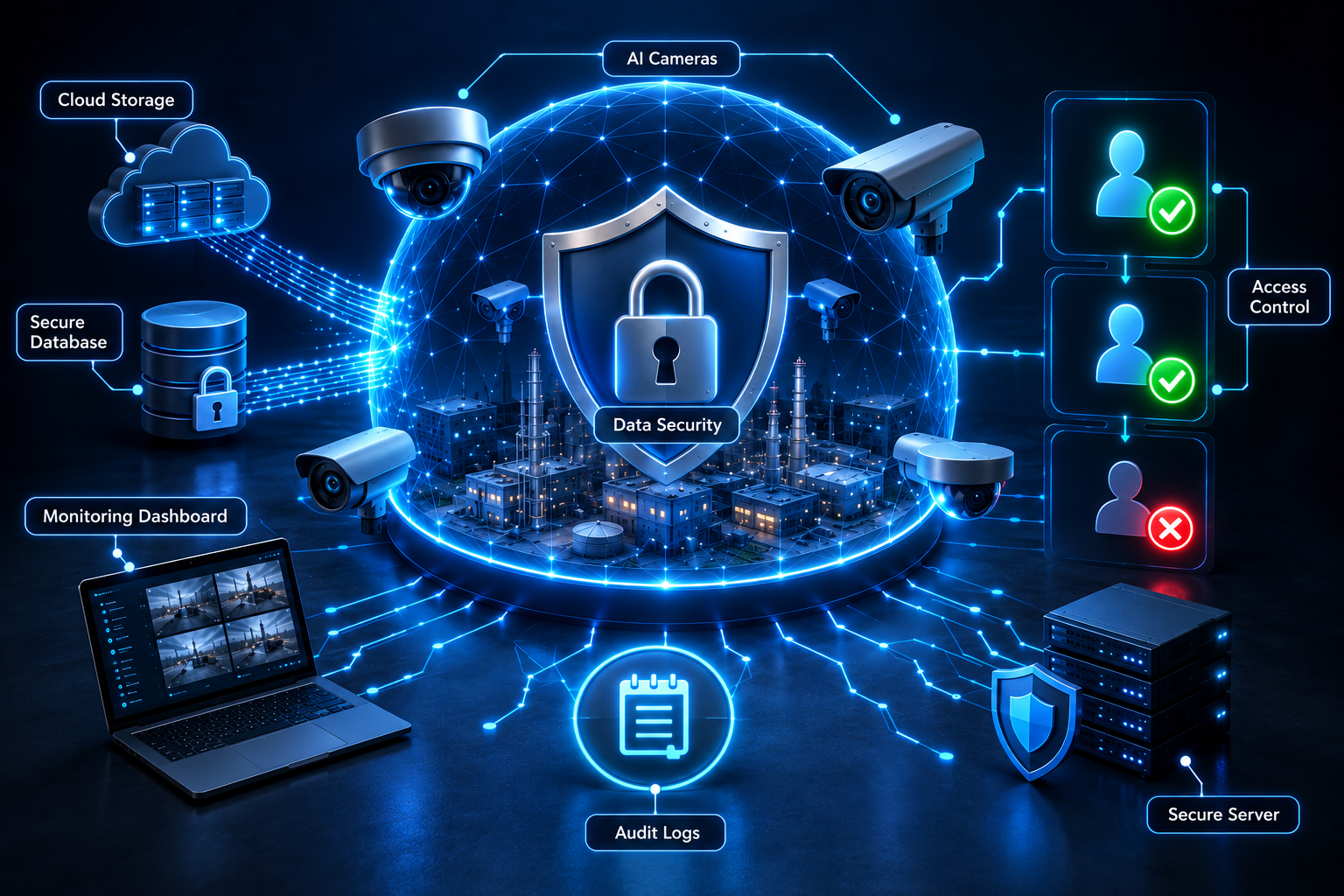
VMS stands for Video Management System. In simple terms, it's the software layer that connects to a network of cameras and gives operators a way to manage, view, record, and search that video from a single interface. If cameras are the eyes of a surveillance system, the VMS is the control room — the platform where all of that video actually gets organized and made usable.
Without a VMS, managing more than a handful of cameras quickly becomes unworkable. Each camera might have its own separate interface, its own login, its own storage. A VMS consolidates all of that into one platform, which is what makes managing dozens, hundreds, or thousands of cameras realistic in the first place.
How a VMS Works
At a functional level, a VMS connects to every camera on a network, ingests each video stream, and provides a unified way to view, record, organize, and retrieve that footage. It typically sits between the cameras themselves and the people who need to use the video they capture — security teams, facility managers, compliance officers — translating raw video feeds into something organized, searchable, and actionable.
Camera and Device Management
A core function of any VMS is device management — keeping track of every camera on the network, its status, its configuration, and its health. This includes things like confirming a camera is online and recording as expected, managing firmware and settings across devices, and providing visibility into the overall state of a camera network from a single place, rather than needing to check each device individually.
Live Monitoring
Live monitoring is the most familiar VMS function: viewing real-time video from one or multiple cameras simultaneously. A well-designed VMS makes it possible to monitor a large number of feeds efficiently, often through customizable layouts, multi-camera views, and the ability to quickly switch focus to a specific feed when something needs closer attention.
Recording
Alongside live viewing, a VMS manages the recording of video for later use — handling how footage is stored, for how long, and under what conditions. Recording strategies can vary, from continuous recording of every feed to event-triggered recording that activates around specific detected activity, depending on what a deployment actually needs.
Playback and Search
Recorded footage is only useful if it can be found again. Playback and search functionality lets operators go back to a specific camera, time, and date to review what happened — a function used constantly during investigations, incident reviews, and compliance audits. The efficiency of this search function matters enormously in practice: the difference between finding relevant footage in minutes versus hours can matter a great deal when time-sensitive decisions depend on it.
Alerts
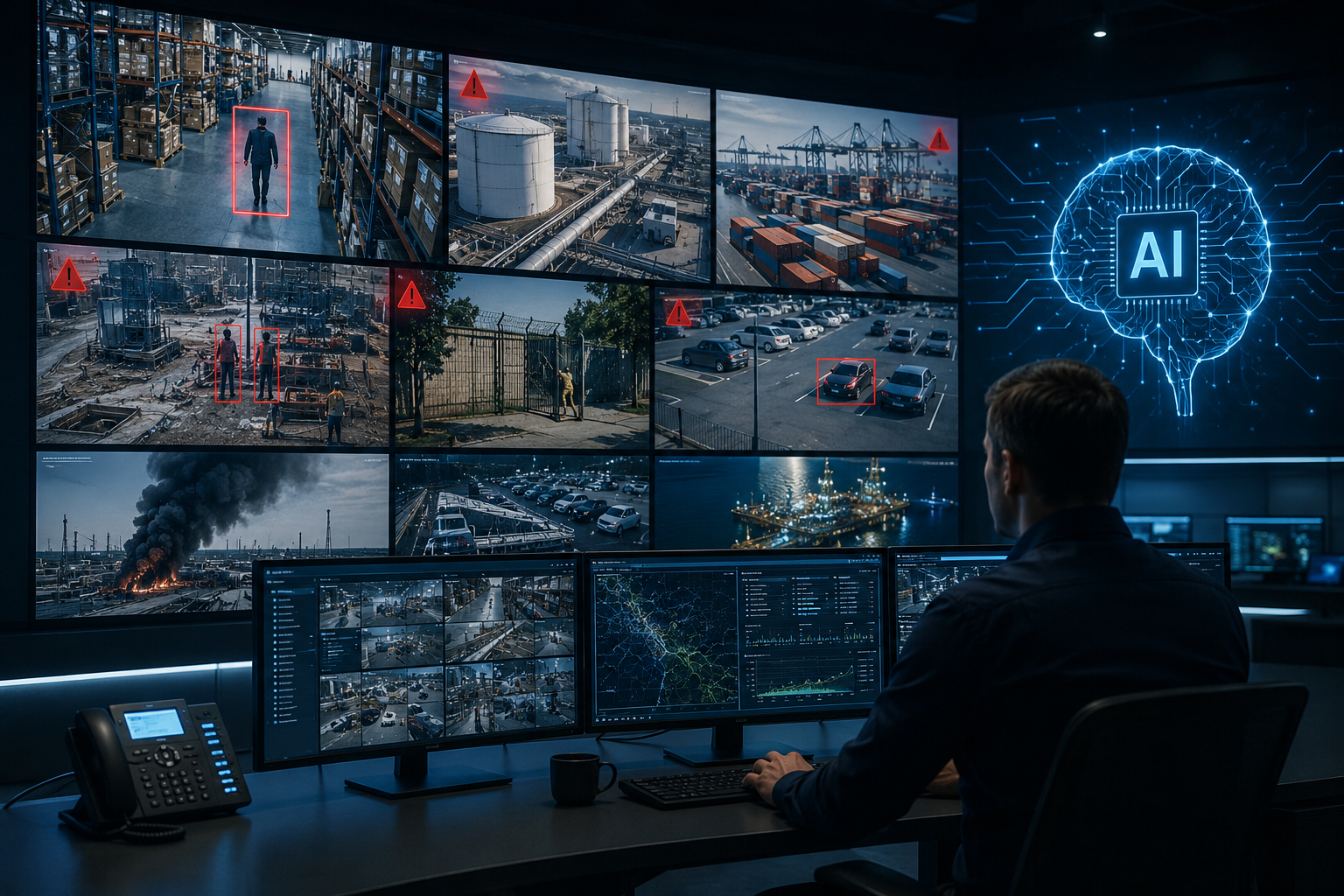
Modern VMS platforms typically include alerting functionality — notifying relevant personnel when specific conditions are met, whether that's a camera going offline, a manually triggered alarm, or (when paired with AI analytics) a detected event like an intrusion or safety violation. Alerts are what turn a VMS from a passive recording tool into an active operational system.
Multi-Camera and Multi-Location Management
As camera networks grow — across a single large facility or across multiple sites entirely — the ability to manage everything from one unified platform becomes essential rather than optional. Multi-location management means an operator isn't switching between separate systems for each facility, but instead has a consolidated view across an entire organization's camera network, regardless of how many sites or how many cameras are involved.
VMS + AI Analytics
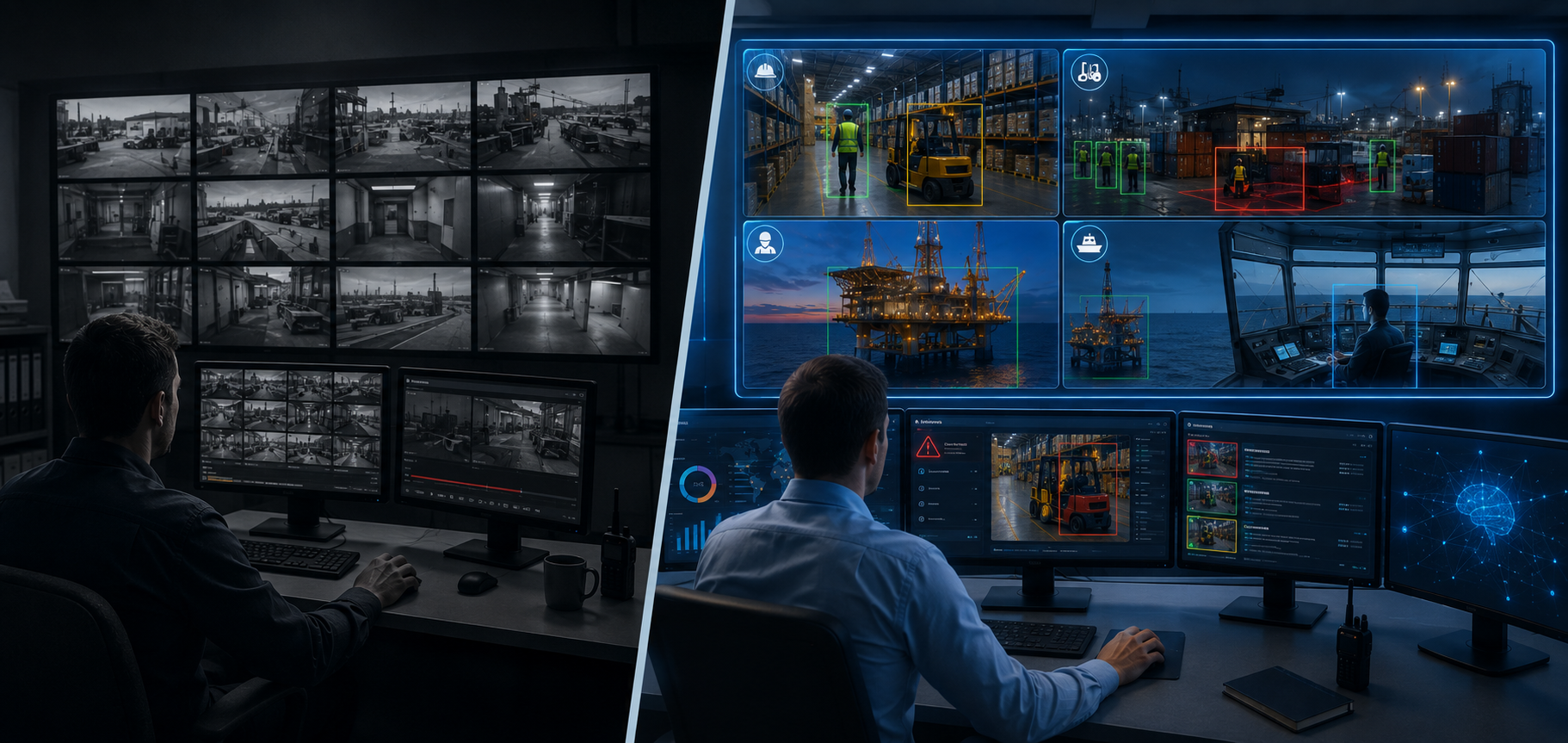
A VMS on its own is a management and recording layer — it organizes and stores video, but it doesn't inherently understand what's happening in that video. AI analytics is what adds that understanding: real-time detection of objects, behaviors, and events, layered on top of the video the VMS is already managing.
When combined, the VMS provides the infrastructure — camera management, recording, search, alerting — while AI analytics provides the intelligence layer that decides what's actually worth an operator's attention. This is the combination that turns a surveillance system from a passive archive into an active decision-making tool, and it's the model AiVision360 is built around: a unified VMS platform paired directly with real-time AI detection, rather than treating video management and intelligence as two separate systems bolted together.
Cloud vs. On-Premise vs. Hybrid: What to Consider
One of the more consequential decisions in any VMS deployment is where the system actually runs and where data is stored. Broadly, there are three models, each with real tradeoffs.
On-premise systems run entirely on local infrastructure — servers and storage physically located at the site. This model typically offers full control over where data resides and doesn't depend on external connectivity to function, which matters for sites with unreliable internet access or strict data residency requirements. The tradeoff is that the organization is responsible for maintaining that infrastructure directly.
Cloud-based systems run on remote, provider-managed infrastructure, with video and data transmitted off-site for processing and storage. This model typically reduces the local hardware burden and can simplify updates and multi-site management, but it depends on reliable connectivity, and data residency becomes a question of where the cloud provider's infrastructure is located.
Hybrid models combine elements of both — often processing or storing time-critical data locally while using cloud infrastructure for broader management, reporting, or long-term storage. This approach aims to balance the reliability and control of on-premise systems with the scalability and convenience of cloud infrastructure.
Which model makes sense depends heavily on a given deployment's specific constraints — connectivity reliability, compliance requirements, the number and distribution of sites, and how critical uninterrupted local operation is. This is an area where the right answer varies genuinely by use case, and it's worth a direct conversation about your specific environment before settling on an architecture.